
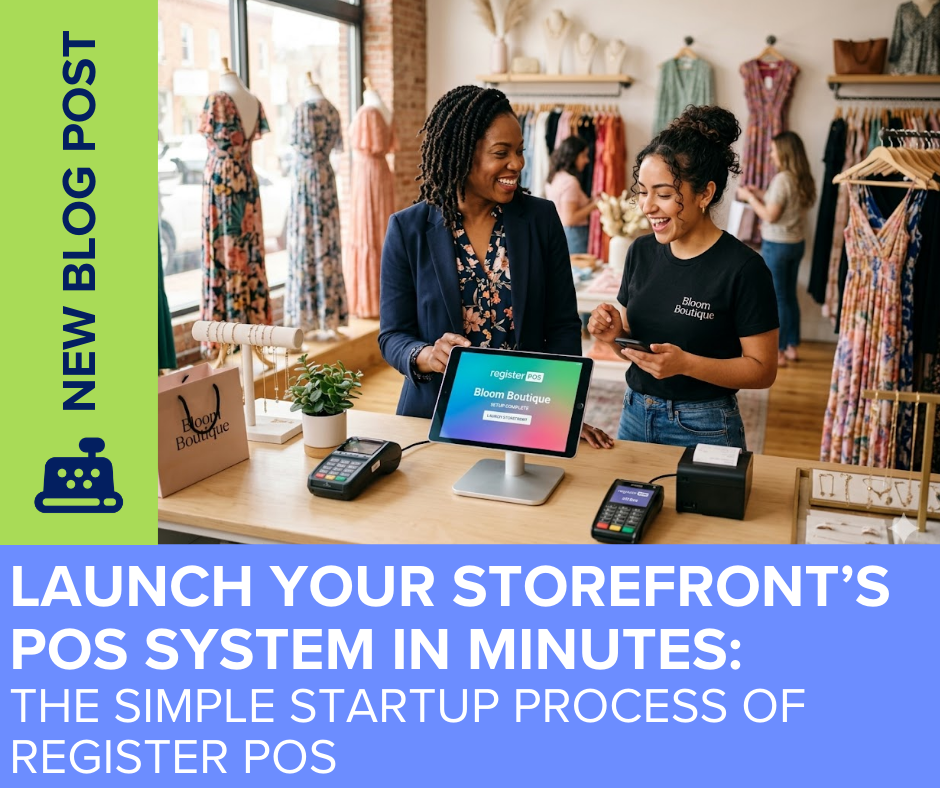
A Point of Sale Setup That Respects Your Time
Time is money in retail, and you should never have to put your business on hold just to install new software. register POS by Ability Business was built to completely eliminate the technical headaches traditionally associated with onboarding. By utilizing a streamlined setup process and intuitive tools, you can get register POS up, connected, and selling faster than it takes to read a standard manual.
The 10-Step Fast Track to Selling
Forget about complicated hardware installations and weeks of drawn-out implementation calls. register POS offers an incredibly simple 10-step startup guide that begins the moment you activate your free trial. You simply receive a personalized onboarding link via email, which acts as your “fast pass” to the setup process. From there, clear prompts guide you to create your account, verify your email, and build your organization’s profile. It is an entirely self-guided flow designed for real people, requiring zero technical expertise.
Seamless QuickBooks Online Connection
The most critical part of launching a new POS is ensuring it communicates properly with your accounting software. register POS makes this historically difficult step completely effortless. With just one click during setup, you can link register directly to your QuickBooks Online account. This immediate connection ensures that your sales, inventory, and reporting stay perfectly synced from day one, meaning you will never have to worry about double-entry bookkeeping again.
Total Control with the Go-Live Readiness Checklist
Transitioning to a new system can feel daunting, but register POS provides a step-by-step Go-Live Readiness Checklist to guarantee a flawless launch. This checklist guides you through the Settings Panel—your back office control center—verifying that every operational detail is dialed in before you ring up your first customer.The checklist helps you avoid common setup missteps by walking you through critical configurations, such as mapping your general ledger accounts, assigning specific user permissions, and tailoring your receipt designs. By reviewing your tax settings and payment methods in advance, you can confidently process your first 100 transactions without disruptions, support calls, or unwanted surprises.
Comments are closed