
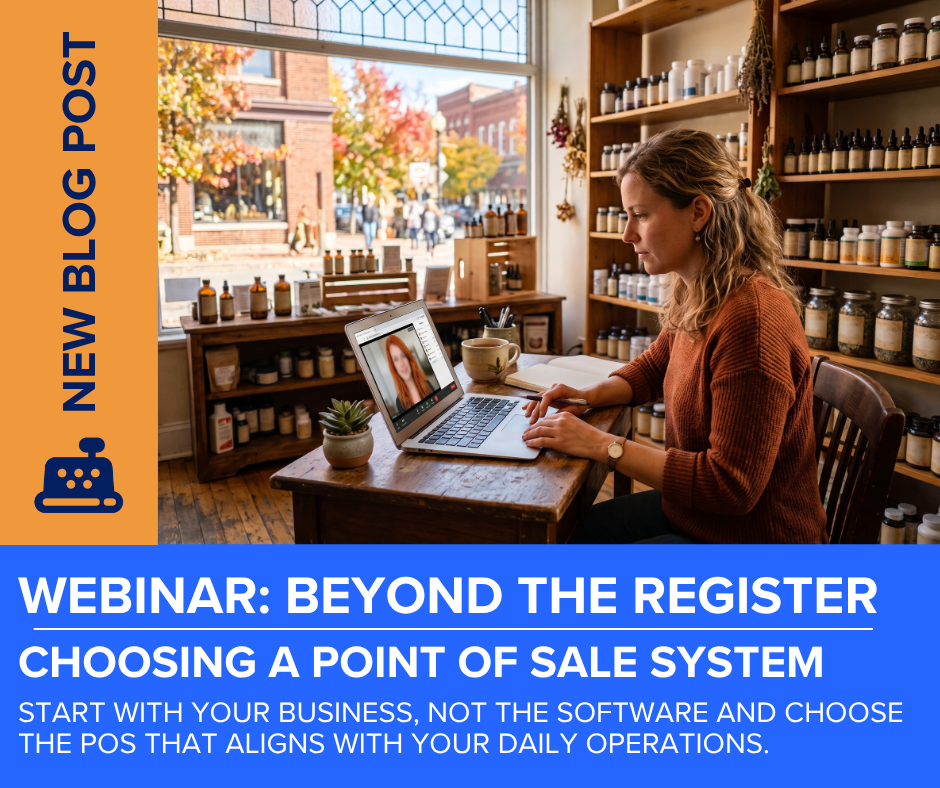
Start With Your Business, Not the Software when Choosing a POS System
Choosing the right POS system that aligns with your daily operations.
Most POS platforms will support 70-80% of your core business needs. So, the true goal when selecting a POS system for your retail or service business, is finding the one that aligns perfectly with your specific front office and back office workflow.
Before comparing feature lists, examine exactly how inventory moves through your store. Identify current frustrations, inefficient tasks, and areas that feel like guesswork. A point of sale system sits at the very center of your retail operations, and the wrong choice results in poor inventory visibility, messy reconciliation, or inadequate reporting.
Your operational reality is exactly where your search must begin.
Match the POS Platform to Your Unique Operational Reality
Most retail storefronts and service businesses appear similar on the surface because they all ring up transactions, take payment, and save the data. Day-to-day operational needs vary drastically by industry and expertise.
A clothing boutique requires matrix inventory to track style, size, and color variants. A grocery store relies heavily on sell by weight, units of measure, and random weight scanning. Consignment shops demand precise tracking for vendor payouts, while restaurants require kitchen routing, table seating, and tipping workflows.
Acknowledging your specific subject matter, narrows the field before you even schedule a software demo when choosing a POS system.
Define Your QuickBooks Online or Intuit Enterprise Suite Integration Strategy
Before selecting a platform, ask yourself what you want to see when you open QuickBooks or Enterprise Suite. Essentially, two integration paths exist, summary or detailed.
A summary sync only posts daily totals which keeps reconciliation very simple and high level for minimum detail needs. Whereas, a detailed sync posts individual line item transactions, providing deep product-level visibility and layered reporting history.
If your need is like, “I just need my books to be accurate”, then summary-level is the right choice. And if your need is like, “I want to know exactly what was sold at the time of the sale”, then a detailed integration is a better fit for your bookkeeping style.
register POS: Built for Real-Time Retail Clarity
For storefront retailers and service business owners that utilize QuickBooks Online, register point-of-sale by Ability Business delivers an automatic, real-time connection.
It pushes sales, customers, payments, and estimates with full line item detail instantly and comes with sell by weight, random weight scanning, serial number tracking, and deposit securing at no extra cost.
Further, your inventory lives directly inside QuickBooks Online or Intuit Enterprise Suite, eliminating the need to wait for a delayed daily batch sync. While it is not designed for heavy food service workflows, it remains a highly powerful choice for retail and service businesses prioritizing immediate financial visibility.
Getting this fundamental decision right is absolutely worth the time it takes to evaluate your options carefully before purchasing.
See how a purpose-built connection can transform your day-to-day operations.
Want to Go a Little Deeper? Watch Lisa’s POS Comparison Webinar
Choosing a POS system can feel overwhelming, especially when every platform seems to offer a long list of features. The key is knowing which features and workflows actually matter to your business.
Lisa Burnett, Business Development Manager & Consultant at Ability Business, brings more than 14 years of experience helping retailers evaluate POS solutions and connect their front-office operations with QuickBooks. A former educator turned consultant, Lisa takes a practical, teaching-focused approach to technology, helping businesses understand their options rather than simply recommending a particular product.
In 2026, Lisa was honored by Insightful Accountant as a Top Niche Practice Advisor, recognizing her expertise and work within the retail and QuickBooks ecosystem.
In this 30-minute webinar, Lisa takes a high-level look at seven popular POS systems and discusses the considerations that should go into evaluating them. Rather than getting lost in a feature-by-feature comparison, the conversation focuses on the bigger questions: How does the system fit your workflow? How does it work with QuickBooks Online? What happens to your inventory and sales data? And what should you be thinking about before you sit through a software demo?
The goal isn’t to tell you which POS to choose. It’s to help you ask better questions so you can determine which solution makes sense for your business.
Watch the Webinar on How to Choose a POS System
After watching, download the accompanying resources to help you organize your thoughts, compare your options, and identify the questions worth asking before making a POS decision.
Need Help Evaluating Your Options?
You don’t have to figure it out alone.
At Ability Business, we help retailers look beyond the software demo and understand how a POS system fits into the way their business actually operates including inventory, payments, employees, reporting, and QuickBooks Online or Intuit Enterprise Suite.
We don’t believe there is one POS system that’s right for every business. We listen first, help you understand the differences, and guide you toward the solution that best fits your needs.
If you’re evaluating POS systems and aren’t sure where to start, let’s talk.
Comments are closed