Instant Point of Sale Syncing with QuickBooks Online
Checkout is just the beginning.
With register POS by Ability Business, every completed, paid sale instantly creates a detailed, line-item sales receipt in QuickBooks Online, just as though you had entered the transaction yourself.
But the benefits of that instant connection reach far beyond the checkout counter.
From managing customer accounts and maintaining accurate inventory to empowering sales representatives and service technicians in the field, real-time information helps your entire business operate more efficiently.
Every Sale Becomes a Detailed QuickBooks Transaction
With register POS by Ability Business, completing a sale triggers an instant, automatic sync to QuickBooks Online.
Not a nightly summary. Not a lump-sum total.
Each completed, paid sale creates its own detailed, line-item sales receipt in QuickBooks Online, including products, quantities, prices, discounts, taxes, and payment details, much like a receipt you entered directly into QuickBooks yourself.
You retain the individual transaction detail needed for customer questions, product-level reporting, and accurate financial records, without employees re-entering sales after checkout.
On-Account Sales and Payments Stay Connected
When a customer buys on account, register POS creates an invoice in QuickBooks Online, recording what is owed in Accounts Receivable.
Staff can view outstanding customer balances in register POS, refresh the amount, and accept full or partial payments on account right at checkout, even without a new purchase.
Payments sync to QuickBooks Online, where they can be applied to the appropriate open invoices. That visibility helps employees answer questions confidently and makes managing customer relationships easier.
Real-Time Inventory You Can Act On
QuickBooks Online remains your inventory management statement of record. Product information and on-hand quantities sync both ways between register POS and QuickBooks Online while each sale updates inventory quantities instantly.
You gain a more current picture of available stock, helping your team avoid overpromising, identify replenishment needs, and make smarter purchasing decisions.
And because inventory is managed in QuickBooks Online, transactions recorded there also affect the same stock counts used at your storefront.
Take That Advantage Into the Field
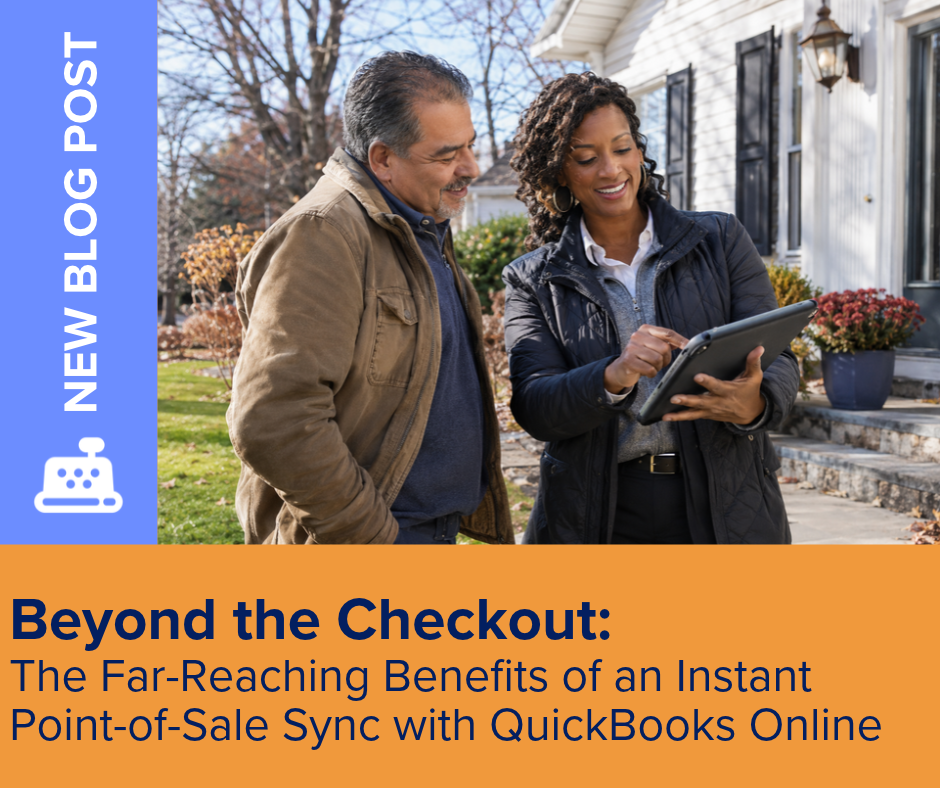
Consider a sales representative visiting a customer or a service technician diagnosing equipment.
Using QuickBooks Online on a laptop or tablet, they can check current on-hand quantities for products and replacement parts before committing to a sale or repair.
They can then create and send an invoice on-site through QuickBooks mobile tools and, with QuickBooks Payments enabled, accept payment using supported mobile options.
Meanwhile, your storefront continues ringing sales through register POS. Everyone works from the same QuickBooks Online inventory and financial records.
The Result?
More informed conversations, quicker customer service, and less administrative catch-up.
Ready for checkout, inventory, and accounting that work together?
Visit our YouTube Learning Lab
Want to learn a little more? We’ve got you covered! Visit our Learning Lab for helpful videos, practical how-to guides, product explainers, and conversations about the tools and technology that help small businesses run smarter.
Whether you’re exploring register, looking for a little guidance, or ready to learn something new, there’s always something worth discovering.
Explore. Learn. Grow.
Chat with Us
Sometimes you just need to talk it through. Whether you have a question about register, need help finding the right solution, or simply want to explore what’s possible for your business, we’re here to help.
At Ability Business, we believe in understanding people first and technology second. No pressure, no confusing tech talk just real people ready to help you find the right answers.
Let’s start a conversation!
Comments are closed