
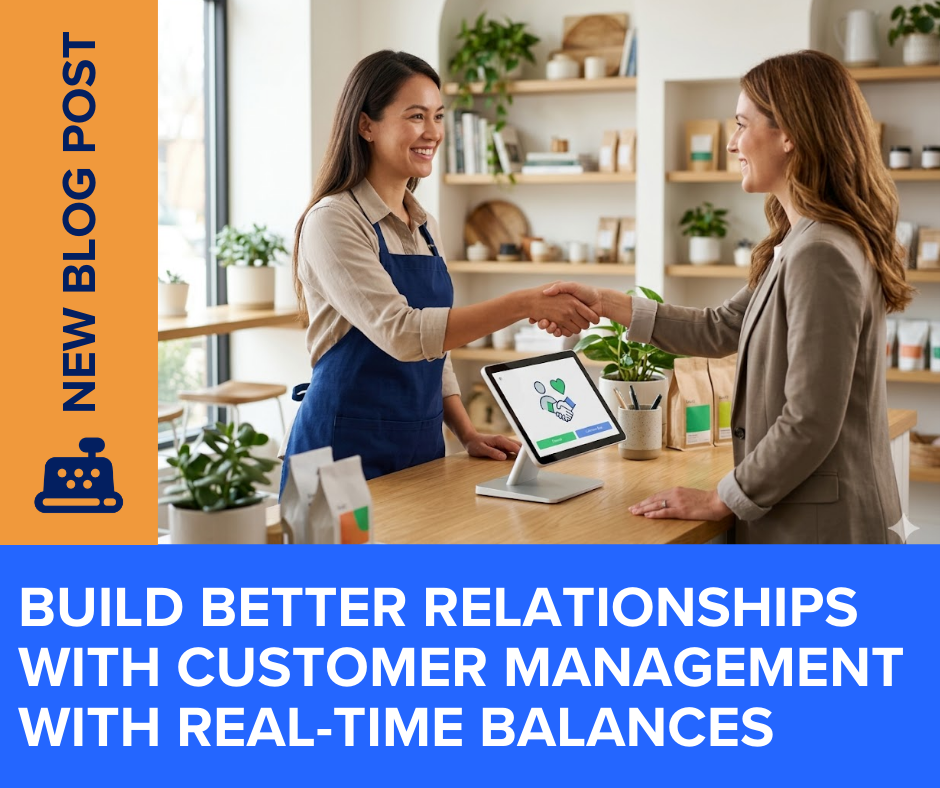
From Paper Clutter to Digital Clarity
Running a retail storefront means managing more than just inventory; it means managing relationships. If you are still juggling separate ledgers or sticky notes to track which loyal customer owes you money, you are risking accounting errors and wasting valuable time. register POS instantly syncs all your customer data directly to QuickBooks Online, transforming how you handle account balances, sales history, and on-account payments.
Real-Time Account Balances at Your Fingertips
Eliminate the guesswork of managing customer tabs. With register POS, you can view a customer’s total outstanding balance, their digital IOU, instantly on the checkout screen or in QuickBooks Online. This clear, reliable number replaces manual tracking, allowing you and your staff to manage “on-account” terms with accuracy and confidence. Because the system syncs in real-time, you can simply hit “refresh” to guarantee you are looking at the most up-to-date balance.
Dual-System Selling Without the Double Entry
Here is where register’s signature feature truly shines: you can sell in QuickBooks Online and in register POS at the same time without rekeying the same transaction. Most POS systems force you to choose one platform for entry and manually copy it over to the “statement of record”. By utilizing Stripe-integrated PIN pads, the sale appears instantly in both systems, cutting human error and freeing up your staff to focus on the customer instead of the keyboard.
Effortless ‘Payment on Account’
When a customer is ready to pay down their balance, the process should be frictionless. register’s Payment on Account feature lets customers make payments toward their balance right at checkout, even if they aren’t purchasing a new item that day. You simply look up the customer using the fast smart-search bar, select “Payment on Account,” and enter the specific amount they want to pay, or just click “Pay Full Balance”. The payment is recorded instantly, and their new balance is updated immediately in QuickBooks Online.
Comprehensive Profiles and Sales History
Delivering excellent customer service requires context. register POS allows you to organize detailed customer profiles, add specific notes, and easily set tax-exempt statuses with just a few clicks. Furthermore, you have instant access to a complete line-item sales history. Whether you need to process a specific return, reprint a past receipt, or audit a transaction log, everything is accessible without ever leaving the checkout station.
The Magic of Automatic QuickBooks Online Sync
Customer management is not just a front-of-house task; it deeply impacts your accounting. Because register POS was built for QuickBooks Online, every single payment on account you take at the register is automatically synced instantly. This ensures your financial records remain perfectly clean and up-to-date, entirely eliminating the need for manual, double-entry bookkeeping at the end of the day.
Comments are closed