
Helping you manage customer activity with accuracy, clarity, and confidence.
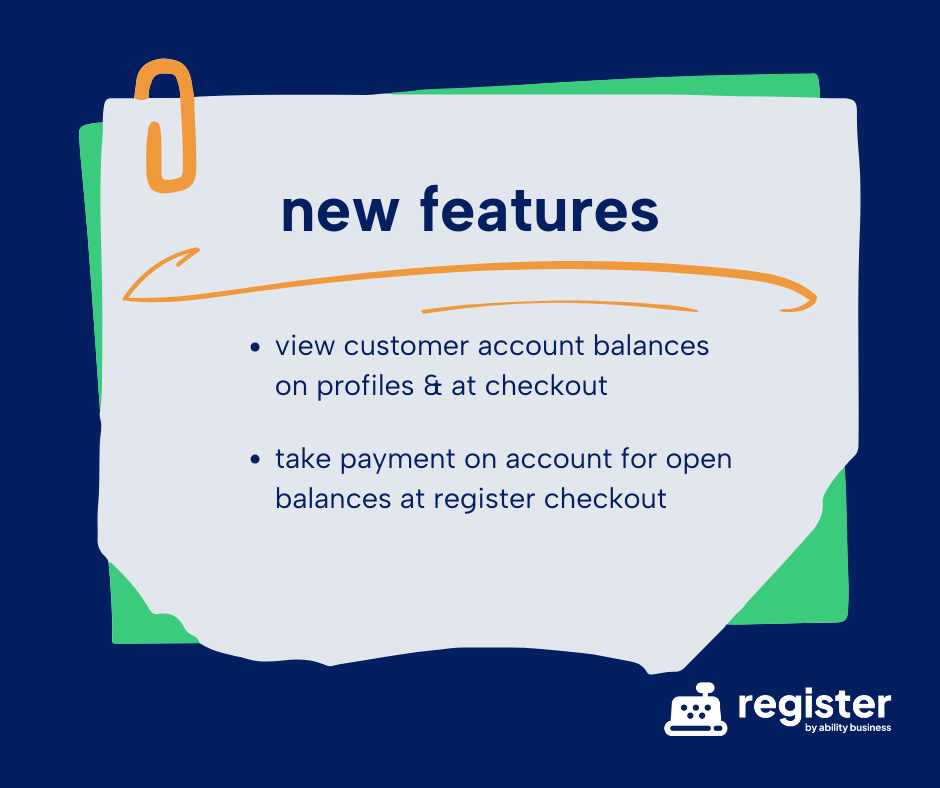
Running a retail business means staying on top of customer activity not just at checkout, but long after the receipt prints. That’s why we’re excited to introduce two new features in register by ability business: Account Balance visibility and Take Payment on Account for open balances. These updates give you clearer insights into customer financials and an easier way to collect payments, all while keeping your workflow simple and connected to QuickBooks Online.
View Customer Account Balances Instantly
You can now view a customer’s outstanding balance directly inside register. No switching tabs or digging through multiple systems.
- From the Customer Profile: Open a customer’s profile to see their current account balance and activity.
- During Checkout: When the customer is added to a sale, you can quickly view their open balance by selecting Payment on Account from the Actions section.
This gives you the transparency you need at the register, especially for stores offering in-house charge accounts.
Take a Payment on Account Right at the POS
If a customer wants to pay down their balance without making a purchase, you can now accept a Payment on Account right from register.
This feature is ideal for:
- Customers settling charge accounts
- End-of-month payments
- Installment arrangements
- Any situation where a customer is paying without buying merchandise
Payments are recorded immediately, keeping your register activity and QuickBooks Online in sync and your books clean.
Why These Features Matter
These enhancements are designed to solve common daily challenges:
- Reduce errors by keeping account activity in one place
- Save time by eliminating extra steps and system-hopping
- Improve transparency for both employees and customers
- Strengthen customer relationships with clear, reliable account management
register continues to evolve based on real feedback from real retailers just like you.
Stay up to date on the latest register release notes:
Learn More in Our Wiki
Want step-by-step instructions? Need help setting up account capabilities?
Visit our register wiki, where you’ll find guides, screenshots, and tips to help you get the most out of these new features.
Check out the related wiki article:
Built by a Small Business, for Small Business
register POS developed by Ability Business, a trusted name in retail and business solutions for over two decades. We understand what it takes to run a store because we’ve been there and have helped thousands of clients.
From streamlining daily operations to simplifying your QuickBooks Online workflow, our mission is to help small businesses thrive with tools that make technology work for you, not against you.
Learn more about our full suite of retail and QuickBooks accounting solutions at abilitybusiness.com.
Comments are closed